
On your phone? Outscore is a Chrome extension, so it runs on a computer. Get the link by email and open it there.
Which tools log what?
| Option | Messages | Connection requests | Needs |
|---|---|---|---|
| Outscore | Any thread you open, real times | Every one, with sent and accepted dates | Any HubSpot plan |
| LinkedIn CRM Sync | Sales Navigator InMails and messages | Not written back | Advanced Plus + Sales Hub Pro seat |
| Hublead | From $32/mo | From $64/mo (Business) | Any HubSpot plan |
| LinkMatch | Auto sync from €28.99/mo | Not advertised | Any HubSpot plan |
| Surfe | Gone from new side panel (Mar 2026) | Not advertised | Surfe account |
| By hand in HubSpot | Copy and paste | A task per request | Any plan |
Per seat, billed yearly, from vendor pages in October 2026. Native requirements: LinkedIn Help a8637051.
How Outscore logs it
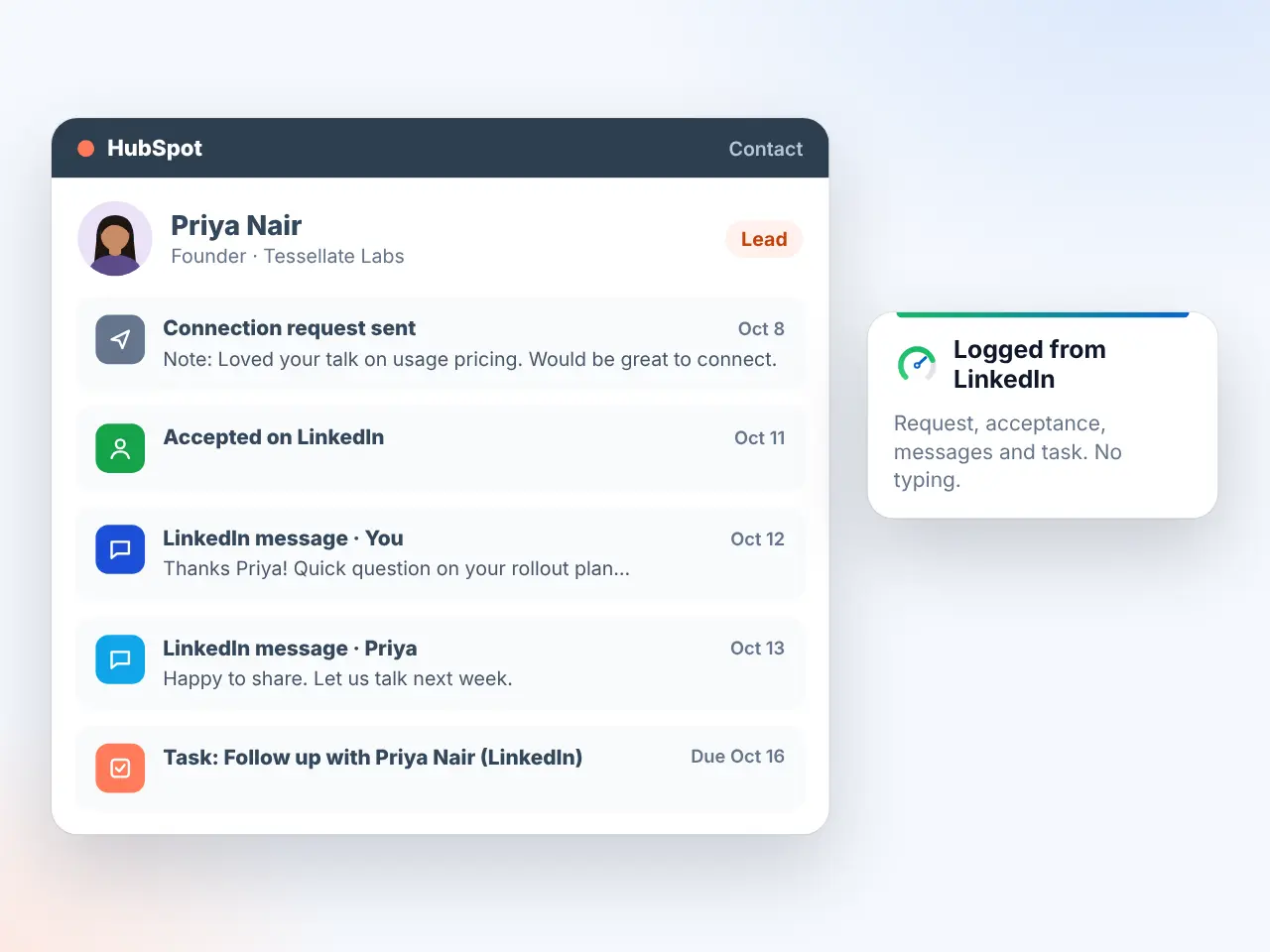
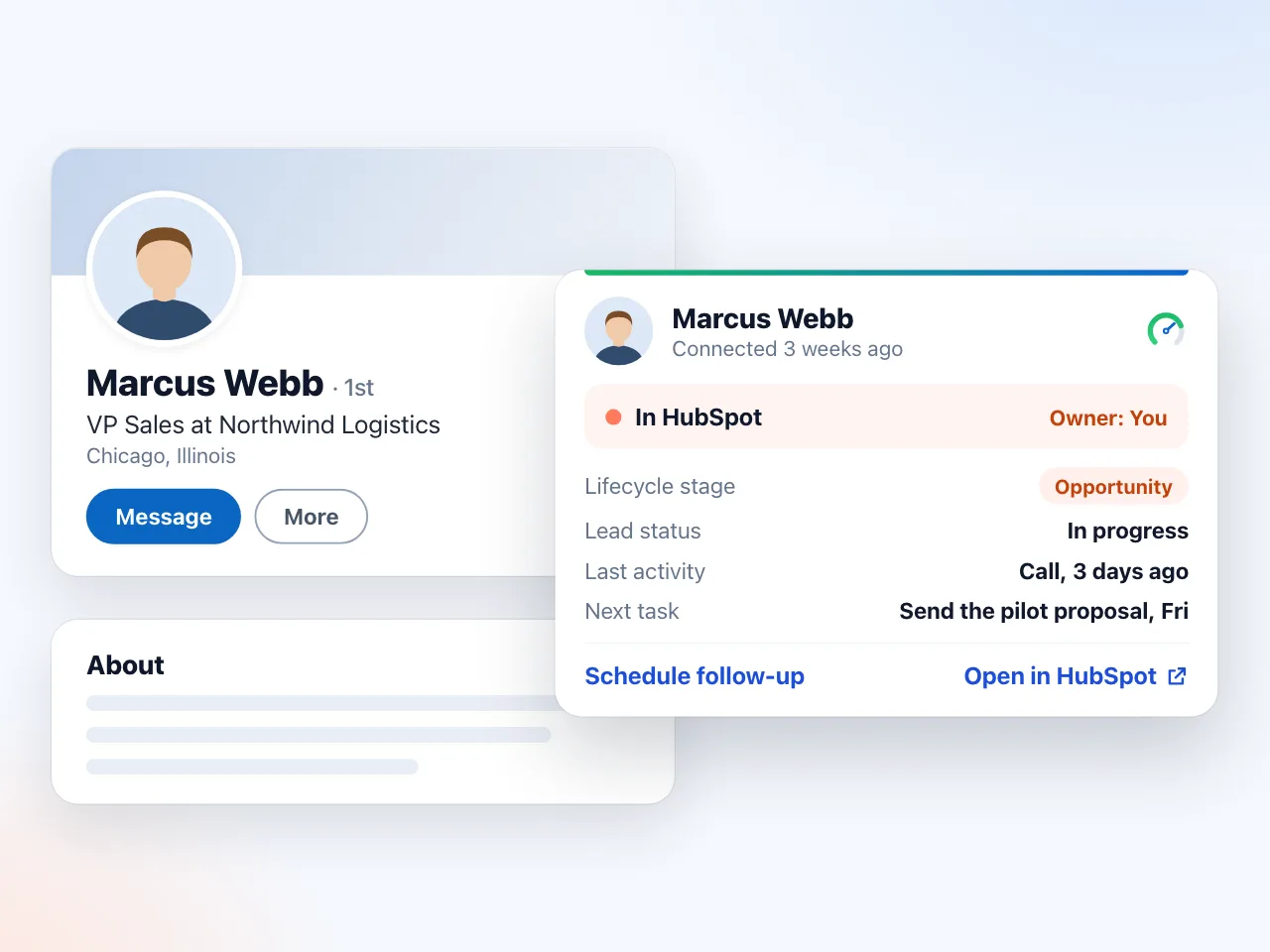
Push a person from their profile (deduped by LinkedIn URL, you as owner, request history on the timeline). Open a conversation and press Log to HubSpot: both sides land as LinkedIn-message activities or notes, and logging again adds only new messages. Nothing is sent on LinkedIn for you.
Test any tool with these 3 checks
| Check | Pass |
|---|---|
| Log a 10-message thread | All messages, both sides, real dates |
| Push someone already in HubSpot | Finds the record, no duplicate |
| Push over a field you filled | Your value stays |
Why duplicates happen: LinkedIn to HubSpot duplicates.
Frequently asked questions
What tools log LinkedIn activity in HubSpot?
The native LinkedIn CRM Sync (Sales Navigator Advanced Plus plus a Sales Hub Professional or Enterprise seat), Chrome extensions such as Outscore, Hublead, LinkMatch and Surfe, and HubSpot's own manual "Log LinkedIn message" on every plan. They differ in whether they log contacts, conversations or connection requests.
Can I automatically log LinkedIn connection requests in HubSpot?
Only with a tool in your browser. The native CRM Sync does not write back connection requests. Outscore counts every invitation and puts the request history on each contact you push; Hublead syncs invitations on its Business plan and above.
Does Surfe still sync LinkedIn messages to HubSpot?
Not in its new side panel. Surfe's help center says message sync is not available there since 16 March 2026 and suggests logging key information by hand (checked 28 October 2026).
Is there a free way?
Yes. Logging a LinkedIn message by hand is free on every HubSpot plan. Outscore counts your activity for free and includes your first 10 people in HubSpot.