
On your phone? Outscore is a Chrome extension, so it runs on a computer. Get the link by email and open it there.
Account-based work on LinkedIn runs through company pages: who works there, who posted, who just joined. HubSpot organises the same work by company record, with contacts hanging off it. The gap between the two is the copy-paste that nobody enjoys and everybody skips, which is how a CRM ends up with three spellings of the same firm and contacts attached to none of them. This guide covers the manual route properly, then the one-click one.
Key facts, from HubSpot’s own documentation
| Question | Answer |
|---|---|
| How does HubSpot tell two companies apart? | "HubSpot automatically deduplicates contacts using email addresses, and companies using domain names." It checks the primary value of Company domain name. (HubSpot Knowledge Base, updated 2 October 2026) |
| What if I create a company whose domain already exists? | HubSpot alerts you that a company already exists when the domain matches another company's primary domain. (HubSpot Knowledge Base) |
| Is there a property for the LinkedIn company page? | Yes. The default company property LinkedIn company page holds "the URL of the company's LinkedIn page". Filling Website URL also fills Company domain name. (HubSpot Knowledge Base) |
| How are contacts attached to a company by hand? | From the contact record: + Add Companies in the Companies card, search, tick, Save. Domain linking can associate contacts and companies by email domain automatically. (HubSpot Knowledge Base) |
| Does HubSpot show anything on a LinkedIn company page? | No. HubSpot's LinkedIn Sales Navigator integration shows a company's LinkedIn industry, size and location on the HubSpot record, and needs a Sales Hub Professional or Enterprise seat plus Sales Navigator Advanced Plus. (HubSpot Knowledge Base) |
Sources: HubSpot Knowledge Base, Deduplicate records in HubSpot, HubSpot Knowledge Base, default company properties, HubSpot Knowledge Base, Associate records, and HubSpot Knowledge Base, Connect HubSpot and LinkedIn Sales Navigator.
What does HubSpot know about a company from LinkedIn? Nothing, by default
A HubSpot company record has a slot for the LinkedIn page, but nothing fills it on its own. HubSpot’s own LinkedIn integration adds a card to the HubSpot record with the company’s LinkedIn industry, size and location, which is useful once you are inside HubSpot, and it needs a Sales Hub Professional or Enterprise seat and a Sales Navigator Advanced Plus account for each user. Nothing in it shows HubSpot data on the LinkedIn side.
So on a LinkedIn company page you have no idea whether a colleague opened the account last quarter, whether the three people you know there are already contacts, or whether the company exists in HubSpot under a slightly different name. That is the question this page answers, first by hand and then with the answer on the page.
The manual way: domain first, then the LinkedIn page, then the people
Three parts, in that order. The order matters because the domain is the only thing HubSpot checks for you.
- Create the company by its domain. In HubSpot, open Companies and click Create company. Paste the website domain before anything else. HubSpot deduplicates companies on the domain, so if the company already exists you get an alert and can open that record instead of creating a twin. A company created by name alone gets no such check.
- Paste the LinkedIn page URL. Copy the address of the LinkedIn company page and paste it into the LinkedIn company page property on the record. HubSpot ships this property; it is just empty until someone fills it. Doing it now means the next person who searches HubSpot for that URL finds the record.
- Fill in what the page tells you. Industry, size and location are on the LinkedIn About tab. Copy the ones your team actually filters on. Skip the rest; an empty field is better than a stale one.
- Associate each contact. Open each contact who works there. In the Companies card on the right, click + Add Companies, search the company, tick it, Save. Repeat per person. If the contacts have work emails on the company domain, turning on domain linking in HubSpot does this part for you; LinkedIn connections rarely come with a work email, so for them it stays manual.
Budget about three minutes per company plus a minute per contact, and the discipline to do it before you forget which page you were on. The method is sound. It is the repetition that fails.
How to see the HubSpot company on its LinkedIn page
Outscore is a Chrome extension that tracks your LinkedIn activity and shows your HubSpot on LinkedIn, profiles and company pages alike. On a page under linkedin.com/company/ it asks your HubSpot account about that company and prints the answer on the page.
- Connect HubSpot once. Install Outscore, open LinkedIn, and click Connect to HubSpot in the dashboard menu. A guide opens on HubSpot's own page and fills in the key name and the scopes; you click Create and Show. The key stays in your browser. Creating it needs a HubSpot super admin or a user with developer tools access.
- Open a company page. The card shows In HubSpot with the owner, Not in HubSpot, or Maybe in HubSpot. It also counts how many of your people, the connections Outscore tracks, work there.
- Answer Same company? when asked. A name-only match is never treated as the same company. Maybe in HubSpot asks Same company? with Yes, same and No, different. Yes saves your answer for that record; No leaves it alone.
- Fill the gaps on a company that is already there. The side panel's This company box shows the record and, where the website or the LinkedIn company page is empty in HubSpot, a Fill it in button that writes just that field. With Pro or the trial it also lists HubSpot's own contacts at the company, including the ones your teammates own.
How to add a company in one click
When the card says Not in HubSpot, it also offers the fix: a button reading Add, followed by the company’s name, to HubSpot. One click creates the record.
What it sends: the company name, the domain, the website, the LinkedIn company page and you as owner. That is the same set you would type by hand, with the two keys that matter for finding it again, domain and LinkedIn URL, filled from the start. Before creating anything, Outscore reuses a company it already knows from an earlier push, and looks for a same-name company carrying a legal form such as Inc or Ltd, so “Acme” on LinkedIn finds “Acme Ltd” in HubSpot instead of becoming a second record. The write is fill-only: a field you already filled in HubSpot is never overwritten.
A company uses one slot of your HubSpot allowance, the same pool as people. The first 10 are free on every install.
How to link the people you know there
A company record with no contacts is a filing label. The point of adding the company is to hang the people on it, and the company page is where Outscore already knows who they are.
- Click See them. The card lists your connections at that company, the ones Outscore has tracked from your invitations and accepts. Check that the list is who you expect.
- Click Push N people to HubSpot. Each person is pushed with your chosen fields (name, LinkedIn URL, title, company, city, country, and email or phone when they shared one), matched by LinkedIn URL first, fill-only, with you as owner. All of them get linked to the company record.
- Settle the skipped ones. Someone whose only match in HubSpot is a same name is skipped by a company push rather than guessed. Open their profile and answer Same person? there, then push.
- Log the conversation that matters. Open your LinkedIn conversation with the champion at that account and click Log to HubSpot. The thread lands on their contact record, with its real message dates, under the company you just created.
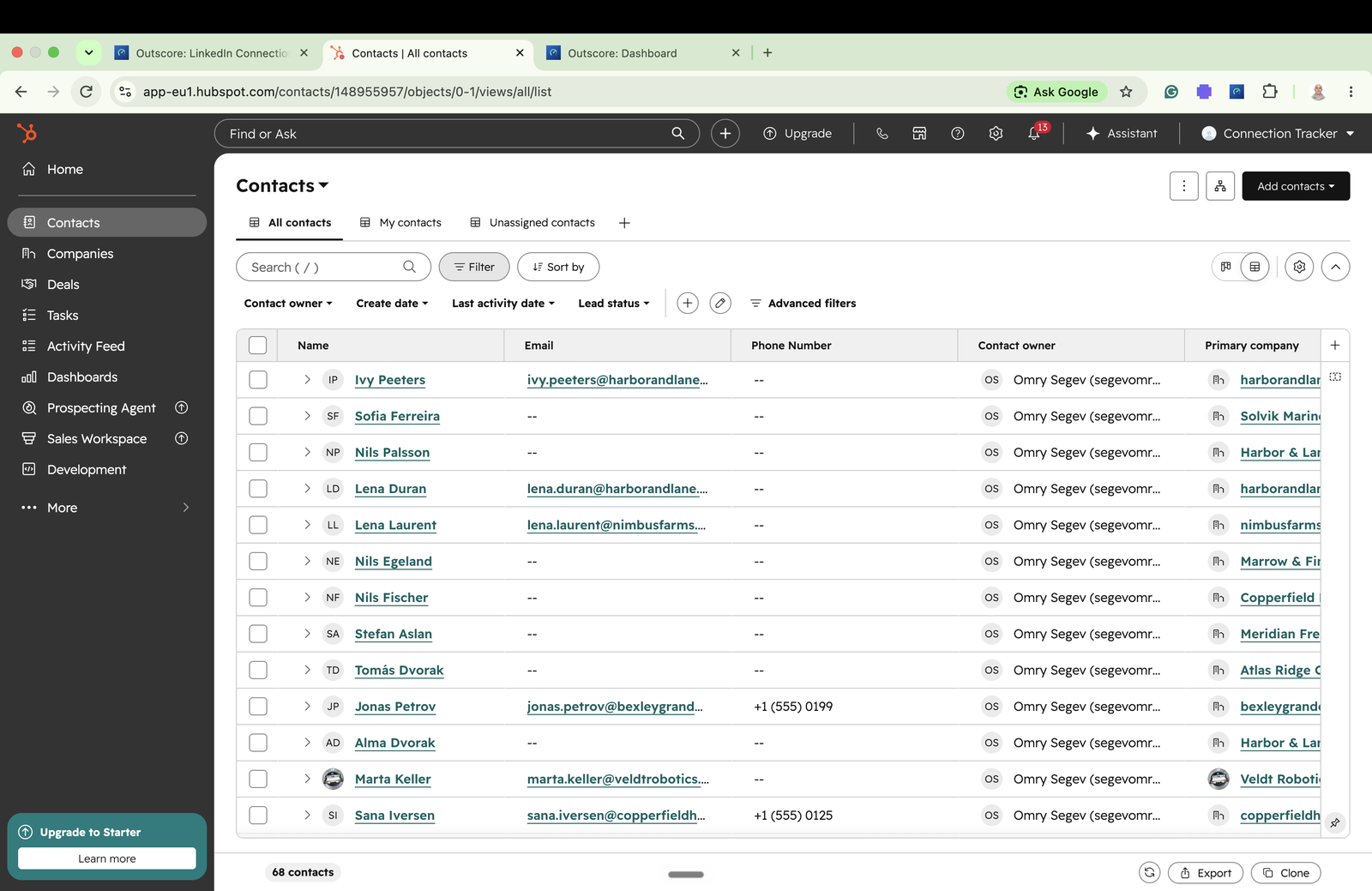
A worked example
Say a go-to-market consultant is working a shortlist of 20 target accounts and knows, on average, two people at each. By hand that is 20 company records, 40 associations and 60 pastes of a LinkedIn URL, maybe two hours if nothing goes wrong. With the card it is a visit to each company page, Add to HubSpot, See them, Push 2 people to HubSpot. The numbers are an illustration, not a measurement; the shape is the point. The people and companies that matter end up in HubSpot linked to each other, and the ones that do not matter stay out, because you pick who goes in.
What is free and what is Pro?
Free for everyone: whether the company is in HubSpot, the Same company? question, and how many of your own people work there. Pro, or the 14-day trial on a new install: HubSpot’s own contacts at the company in the side panel.
Adding a company and pushing people draw on the HubSpot allowance, which is separate from the trial: your first 10 people in HubSpot are free on every install, a push, a logged conversation, a task or a company each use one person’s slot, the same person again is free, and you get 3 more people whose conversations you can log as a try-out. Beyond that, Pro is $10 a month, billed yearly, or $15 month to month, your choice at checkout. It works with HubSpot’s free CRM. No automation. It never sends invitations or messages. The only thing it does on LinkedIn for you is withdraw an invitation you pick, when you press Withdraw.
The person-level version of this page, including the Same person? question and checking a whole list, is how to see who is already in HubSpot from their LinkedIn profile.
Frequently asked questions
Can I add a company to HubSpot from its LinkedIn page?
Yes, in one click with Outscore. On a LinkedIn company page the card shows whether the company is in your HubSpot and, if not, an Add to HubSpot button. It creates the company record with the name, domain, website, LinkedIn company page and you as owner. By hand, you create the company in HubSpot, paste the domain and the LinkedIn URL into the LinkedIn company page property, and associate the contacts one at a time.
How does HubSpot avoid duplicate companies?
By domain. HubSpot's documentation says it automatically deduplicates companies using domain names, and if you manually create a company with a domain that already exists as another company's primary domain, it alerts you. Outscore goes one step further: before it creates a company, it also looks for one with the same name plus a legal form such as Inc or Ltd, and reuses any company it already knows.
Does HubSpot have a LinkedIn company page property?
Yes. HubSpot's default company properties include LinkedIn company page, described as the URL of the company's LinkedIn page. Nothing fills it unless you or a tool does. Outscore fills it when it adds a company, and offers to fill it on a company that is already in HubSpot but has it empty.
Does the LinkedIn company page show which of my contacts work there?
Outscore shows two counts. How many of your own LinkedIn people, the ones Outscore tracks, work at the company, with a See them button and a push for all of them, is on the card for everyone. The contacts your HubSpot already has at that company, who may belong to teammates, show in the side panel with Pro or the 14-day trial.
What happens when I push several people from a company page?
Push N people to HubSpot pushes each of your accepted connections at that company with your chosen fields, matched by LinkedIn URL and fill-only, and links them all to the company record. People whose only match in HubSpot is a same name are skipped rather than guessed, so you can settle them one by one from their profiles.
Is this free, and does it work with the free HubSpot?
It works with HubSpot's free CRM. Seeing whether a company is in HubSpot is free, and so is the same-company question. Adding a company uses one slot of your HubSpot allowance: the first 10 people (or companies) in HubSpot are free on every install, then Pro at $10 a month, billed yearly, or $15 month to month.